Trading and accounts in separate systems
Orders and invoices in one tool, the ledger in another. Month-end becomes a reconciliation exercise, and someone is always re-keying figures between the two.
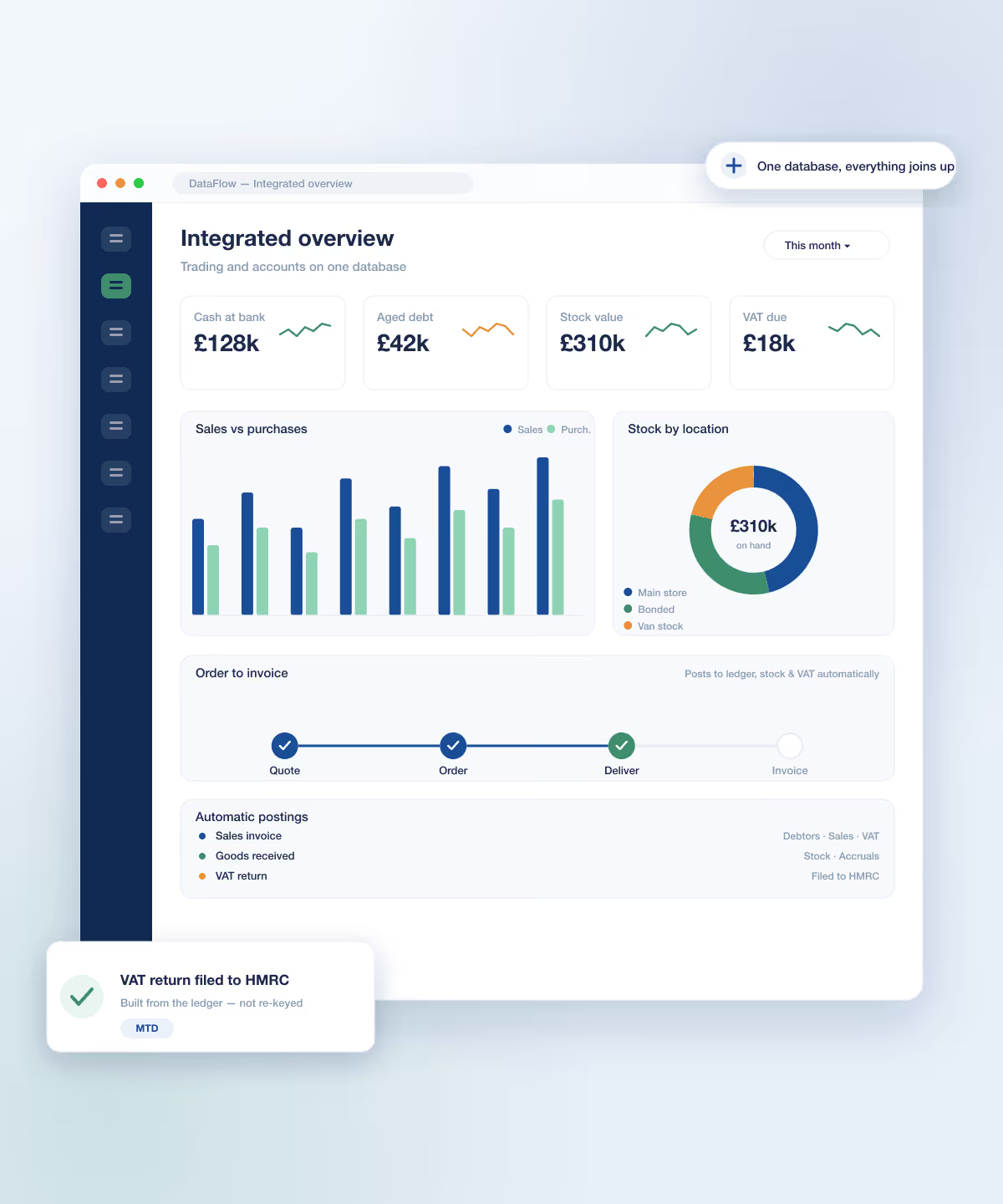
DataFlow unifies your sales and purchase ledgers, nominal accounts, stock, order processing and VAT on a single database — so the trading side and the accounting side are always in step. No imports, no re-keying.
Trusted by UK trading and accounting businesses




















Four patterns turn up in almost every distribution, accountancy and trading business that hasn’t consolidated yet. At least one of them is probably yours.
Orders and invoices in one tool, the ledger in another. Month-end becomes a reconciliation exercise, and someone is always re-keying figures between the two.

Supplier invoices, signed delivery notes, customer POs and contracts filed in a dozen places. When an auditor or a customer asks, finding the document takes longer than the query.

Stock valued in one system, costs and revenue in another. True margin per job is a spreadsheet exercise nobody trusts.

Making Tax Digital submissions, EC Sales Lists, payment-practices reporting and a full audit trail — stitched together by hand every period instead of falling out of the system.
Every DataFlow module posts to the same integrated database — start with the ledgers or the trading engine, and the rest fits in when you’re ready, sharing one set of customers, products and accounts.

The general ledger everything posts to — chart of accounts, journals, cash book, reconciliation and period close.

Sales and purchase ledgers in one place — receipts, payments, allocations, statements, aged debt and BACS.

The trading engine: quotations, orders, deliveries, invoices, credit notes and works orders, with invoices posted to the ledgers once checked.

The physical-goods side — catalogue, movements, layered pricing, kits, bins, batch and serial tracking, valuation.
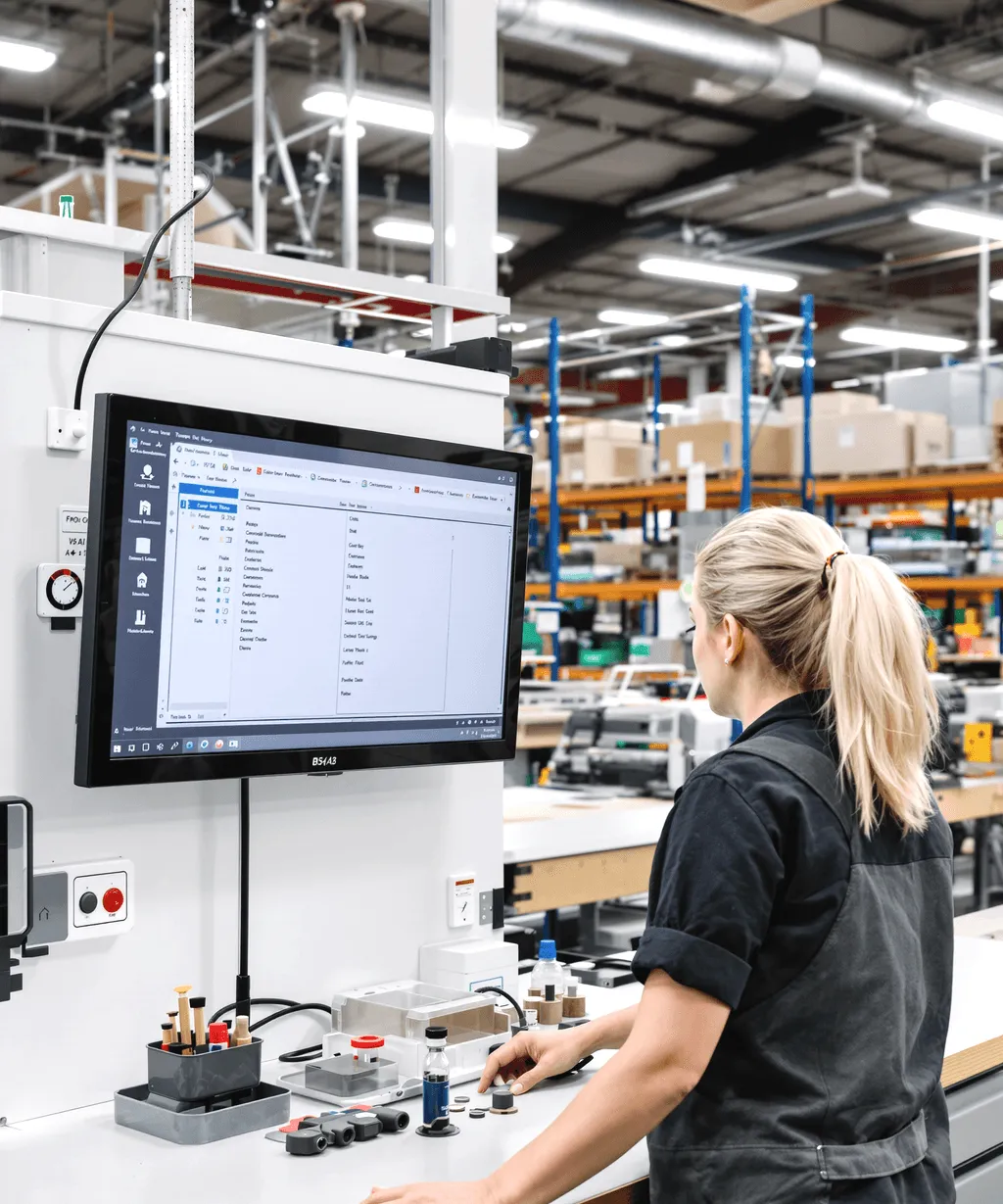
Define the components that make up an assembled product, then build works orders that take components out of stock and put the finished item in.

VAT periods, the VAT journal and EC Sales and Intrastat reports, and DataFlow submits the nine-box VAT return to HMRC through Making Tax Digital.

Read-only audit reports — financial, customer, supplier, user movement and authorisation history.

Cost and revenue per job, tagged on documents and timesheets and carried through to the ledger.

Time by resource against departments and jobs, approved for the payroll and job-cost feed.

Scanned paperwork linked to the account, ledger or document it belongs to, one click away.

Your own canvas of live chart panes from the ledgers and stock, waiting for you at log-in.

One reporting layer across every module — preview, print, email or export, plus bespoke layouts.
The trading side and the accounting side share the same database, so the postings are made inside the same system, not by an overnight import you have to reconcile.
Quote, order, deliver, invoice and receipt on the same database. Each delivery takes stock out, and every invoice posts to the sales ledger, nominal ledger and VAT together when you post it. No import from another system, no re-keying.
Explore capabilityOne DataFlow system can run many companies, each with its own books, with consolidation and inter-company processing between them.
Explore capabilityBuy, sell and hold accounts in any currency, with allocation, period-end revaluation and multi-currency bank reconciliation — while you still report in your base currency.
Explore capabilityApproval chains configurable per user, per group and per document type, with a monetary limit beyond which a document escalates, and an approvals portal where senior approvers clear their queue.
Explore capabilityYour own fields on documents, custom EDI formats for particular trading partners and builds tailored to your business, so the system bends to how you actually trade.
Explore capabilityVAT periods and the VAT journal reconcile against the ledger, then the nine-box return is submitted to HMRC through Making Tax Digital, with no bridging spreadsheet.
Explore capabilityIt’s as good as it can possibly be. It’s good value, the system just works, and the support’s been great.
DataFlow does exactly what we need it to. It has never been an issue of us becoming too big for it, and if we have an issue there’s always someone you can get on the end of the phone.
The differentiator is being able to get someone you know and trust on the phone.
EDI and cXML PunchOut for B2B order exchange, Open Banking for bank-feed reconciliation, SagePay for card payments, HMRC Making Tax Digital for VAT, an Excel add-in for power users and an Android companion app.
Trading partner on its own EDI format? DataFlow can be tailored to it.
UK distributors and wholesalers, trading businesses, accountancy and bookkeeping practices, B2B and EDI traders, and project and contract businesses that want trading and accounts in one system.
DataFlow is an integrated accounting and ERP system for UK distribution, accountancy and trading businesses. Nominal ledger, trade ledgers, order processing, stock control, VAT and the rest all run on one database, so the trading side and the accounting side are always in step.
Yes. DataFlow prepares the nine-box VAT return and submits it to HMRC through Making Tax Digital once your business authorises it. MTD covers VAT only; EC Sales and Intrastat are produced as reports for you to submit through HMRC’s own service.
Yes. You can run as many companies as your licence covers in one system, each with its own books, with consolidation across them and inter-company processing where you need it.
Nominal ledger, trade ledgers, order processing, stock control, VAT, audit trail, job costing, timesheets, document store, dashboard and reports — each built for its job, all on the same database.
Both, natively, in the same database. Order processing and stock control are part of DataFlow rather than a separate system bolted on, so deliveries move stock and every invoice posts to the sales ledger, nominal ledger and VAT together when you post it.
B2B order exchange via EDI and cXML PunchOut, bank feeds via Open Banking, card payments via SagePay, VAT filing via HMRC Making Tax Digital, an Excel add-in, and an Android companion app with postcode lookup.
There is a lightweight Android companion app for a subset of tasks. It is Android only and needs a connection to work. It is a companion to DataFlow, not a replacement for it.
DataFlow is licensed per seat and per company. The licence enables the modules you actually use, so you start with what you need and add others as you grow.
Pricing is quote-based, because it depends on your seats, companies and the modules you use. Talk to us and we will put together a quote for your setup.
Book a demo so we can show you DataFlow against your own way of working. Rollouts are then configured to your setup rather than dropped in off the shelf.

Thank you
Your request has been received.