
Filed by hand, found by luck
Invoices and delivery notes scanned into folders named by date or initials: quick to save, slow to find, and easy to misfile.
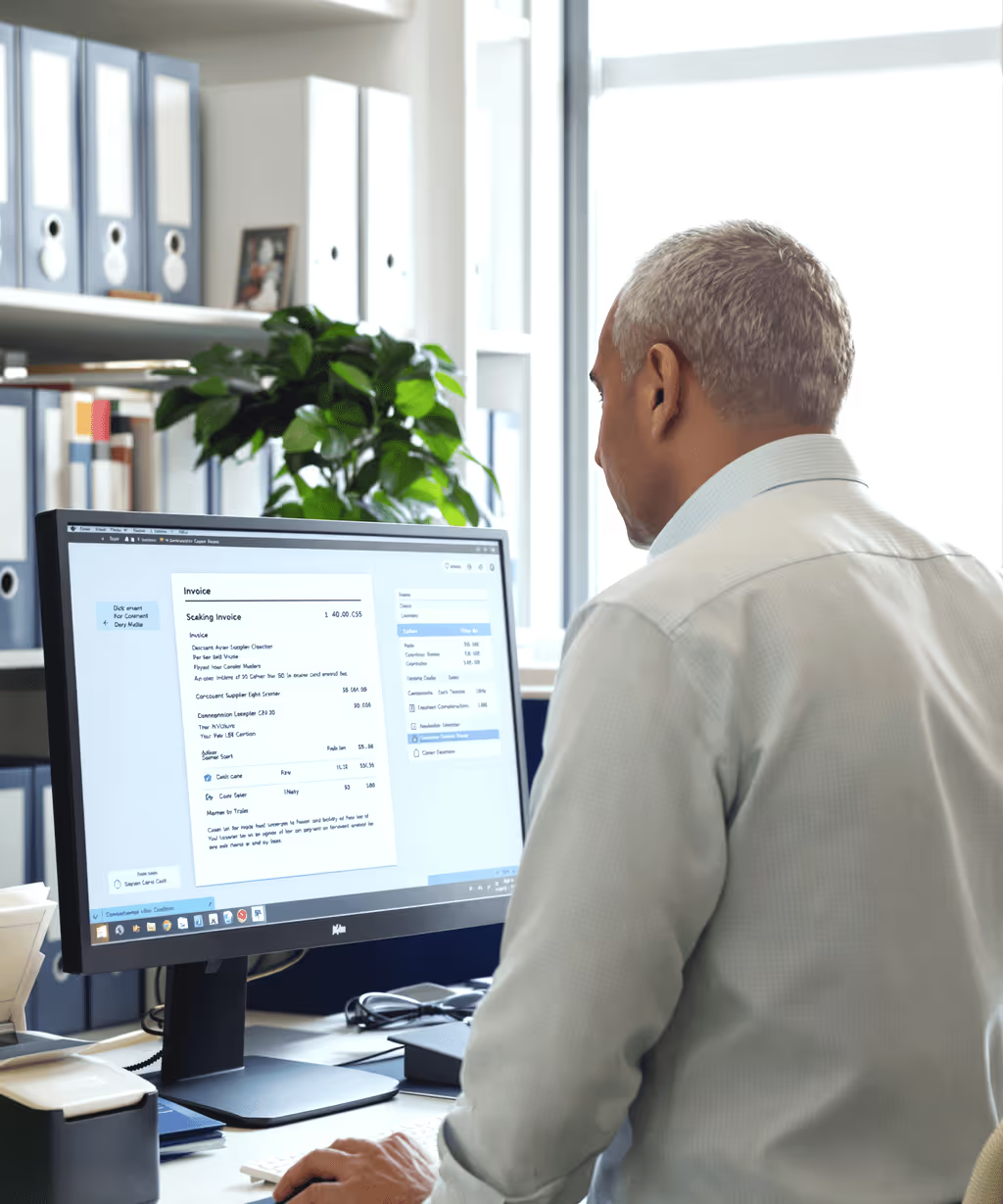
The Document Store keeps the paperwork the business runs on: supplier invoices, signed delivery notes, customer orders, contracts, receipts and certificates. Each one sits with the customer, supplier, account, stock item or document it proves, one click away.
Trusted by UK trading and accounting businesses




















If scanned documents sit in shared folders and inboxes, finding the one you need means a search that has nothing to do with the account it belongs to.
Invoices and delivery notes scanned into folders named by date or initials: quick to save, slow to find, and easy to misfile.
Scans pile up in a shared folder with no mark of which have been processed, so the same invoice is keyed twice and another is missed.
When a customer queries a delivery or a supplier disputes an invoice, the signed copy is somewhere on the network and nobody can put a hand on it quickly.
Scans saved to individual mailboxes and folders go with the person. When they are on leave or move on, the only copy of a document can walk out with them.
Scan the paperwork once, attach it where it belongs.

Drag files from disk, or attachments straight from Outlook. A scanning folder per company files documents automatically.
Attach to a customer, supplier, nominal account, stock item or document. Attach a scan from the record it belongs to, so it is filed there from the start.
"View scanned documents" and "Attach scanned document" sit on every order, ledger, nominal and stock list. Open the paperwork behind an account or a document without leaving the record.
Each scan marked processed, not processed or error. Notes on each scan, searchable from the list.
We run a number of third-party software packages from different vendors. DataFlow provides by far the best support.
The Document Store attaches the paperwork behind the records other modules create.
Attach supplier invoices and remittances to the account they belong to, one click from the ledger browse.
Explore moduleLink signed delivery notes and customer purchase orders to the specific document they relate to.
Explore moduleHold the paperwork behind a posting against the nominal account, ready to recall when a figure is queried.
Explore moduleKeep the scanned proof behind a posting on file, one click from the transaction.
Explore moduleScanned paperwork the business runs on: supplier invoices, signed delivery notes, customer orders, contracts, receipts and certificates, each kept with the record it proves.
Each scan is attached to a customer, supplier, nominal account, stock item or document. You recall it in one click from that record using "View scanned documents", which sits with "Attach scanned document" on every order, ledger, nominal and stock list. You can also find scans by sequence number, status or file name.
Yes. A scanning folder per company files documents automatically, and email alerts can tell you when a scanned file is filed or fails, where set.
Each scan is marked processed, not processed or error, and carries notes that can be searched from the list.

Thank you
Your request has been received.